
A bad charging setup is one of those small daily frictions that feels too minor to fix but too constant to ignore. You reach for a charger and pull out a knot of cables. You plug in your phone and it charges slower than expected. You go to bed and realize the charger that was on the nightstand is now in the living room. None of these moments is a crisis, but together they add a layer of low-level annoyance to your day.
The problem is almost never a lack of chargers. Most people own too many chargers. The problem is that the chargers, cables, and devices are scattered across the house with no clear home, no matching power, and no thought given to how they are actually used. I saw this constantly in my retail years, and I have made the same mistakes at home. The fix is not to buy another charger. It is to stop, diagnose the mess, and assign every charging item to a fixed place that matches a real routine.
The Real Source of Charging Frustration
Charging frustration rarely comes from bad products. It comes from bad organization. A charger that works fine in one place becomes annoying when it is moved, borrowed, or paired with the wrong cable. The devices themselves are fine. The system around them is broken.
Common patterns include:
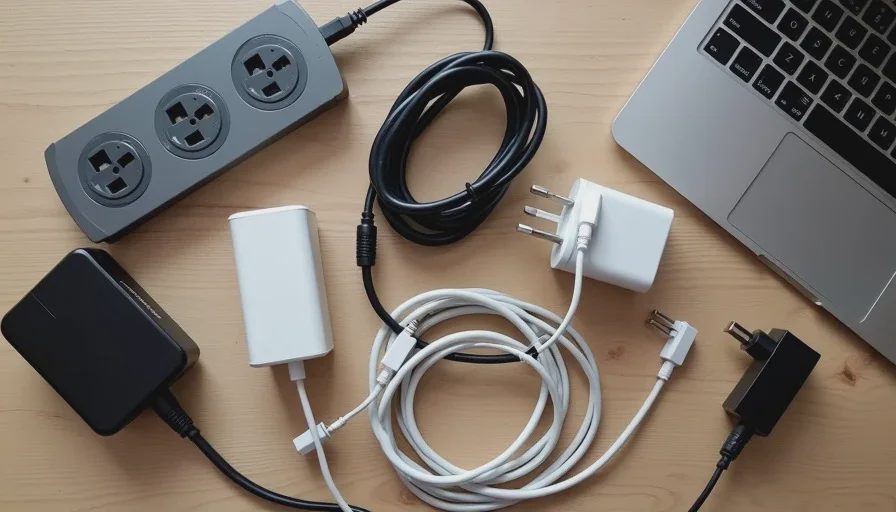
A drawer full of chargers and cables, but none of them are the one you need.
A power strip buried behind a desk with cables tangled underfoot.
Multiple devices sharing one outlet through adapters and extension cords.
Fast chargers used for overnight charging and slow chargers used for quick top-ups.
Cables that are frayed, bent, or simply too short for where they are needed.
These issues build up over time. Each individual decision seemed reasonable in the moment, but the result is a charging environment that makes every interaction slightly harder than it should be.
Diagnose Your Current Charging Chaos
Before you buy anything, spend a few minutes looking at how you actually charge your devices. This step is boring, but it is the part that prevents you from repeating the same mistakes.
Map Where You Actually Charge
Think about the places where you routinely plug in a device. For most people, the list is short: the nightstand, the desk, the kitchen counter, the car, and maybe a bag for travel. Write those locations down or just keep them in your head. The goal is to identify the charging zones that matter to you daily.
If you have chargers in other places—guest rooms, drawers, random outlets—they are probably not earning their keep. They can be removed or consolidated.
Identify the Bottlenecks at Each Spot
At each charging zone, ask yourself a few questions:
Is there an outlet available, or is the power strip already full?
Does the charger stay in place, or does it get moved around the house?
Is the cable the right length and type for the device you charge there?
Does the charger provide enough power, or does the device charge slowly?
These questions reveal the specific friction points. A nightstand charger with a three-foot cable is annoying if you like to use your phone in bed. A desk charger with one port is annoying if you need to charge a phone and earbuds at the same time. The bottlenecks are usually obvious once you look for them.
List the Devices You Charge Daily
Your phone is the primary device, but you probably also charge earbuds, a tablet, a smartwatch, or a power bank. Write down each device and its charging port type. Most modern devices use USB-C, but some older items still use Lightning or micro-USB. Knowing the mix tells you what cables and ports you actually need.
Do not count devices you charge once a month. The daily list is what matters. If a device only charges occasionally, it can share a cable or wait its turn.
Fix the Setup Without Buying More Junk
Once you understand where and how you charge, the fix is mostly about reassigning what you already own. You might need to buy a cable or two, but you probably do not need a new charging station.
Assign Chargers to Fixed Spots
Every charging zone should have its own charger that never leaves. The nightstand charger stays on the nightstand. The desk charger stays on the desk. The car charger stays in the car. The bag charger stays in the bag. This single rule eliminates most of the “where did the charger go?” problem.
If you do not have enough chargers to give each zone its own, buy one or two basic chargers. A simple single-port USB-C charger costs very little and removes a daily source of friction. You do not need a high-wattage charger for every spot. Match the charger to the task.
Simplify the Cable Situation
Cables are the most common source of charging chaos. They tangle, they break, and they get borrowed. Here is how to simplify:
Keep one cable per charging zone. Do not leave spare cables lying around.
Use the right cable length. A nightstand cable should be long enough to reach the bed. A desk cable should be long enough to reach from the wall or power strip to the desk surface.
Use cable ties or clips to keep cables from falling behind furniture.
Throw away or recycle damaged cables. A frayed cable is a fire risk and a slow-charging annoyance.
If you have multiple devices with different port types in one zone, consider a cable with multiple connectors or a small adapter. But do not let adapters become another layer of clutter. The goal is fewer items, not more.
Use a Multi-Port Charger Where Devices Cluster
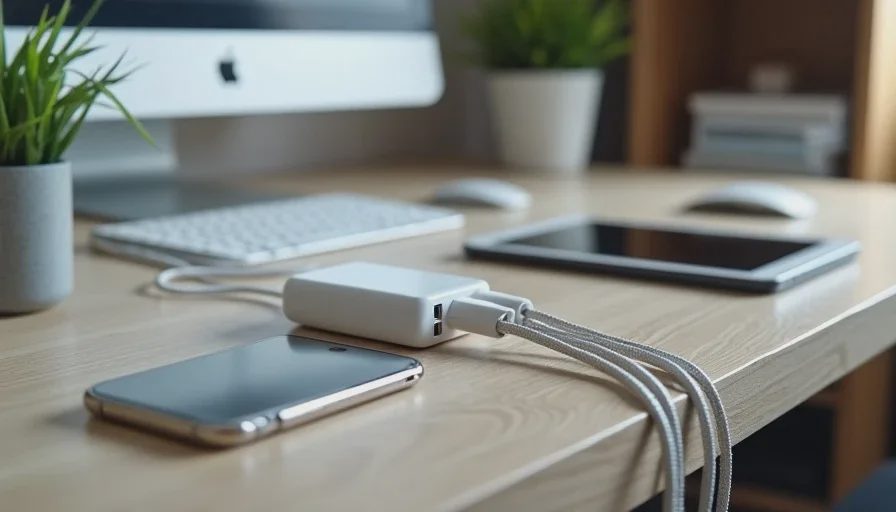
At your desk or nightstand, you may charge multiple devices at once. A single multi-port charger replaces several individual bricks and keeps the outlet clean. Look for a charger with enough ports for your daily devices. For most people, two or three USB-C ports cover everything.
The key is to position the multi-port charger where the cables can stay organized. A small cable management box or a desk grommet can keep the cables from turning into a tangled web. You do not need an elaborate setup. A few clips and ties are enough.
Label or Organize Only as Much as You Need
Some people go overboard with cable organization. They buy labeled cases, color-coded ties, and drawer dividers. That works for a few, but most people do not maintain it. The goal is simple order, not a showroom.
A simple approach is best: one charger, one cable, one place. No labels needed because the location tells you what it is for. If you have a drawer of spare cables, use a few Velcro ties to keep them separate and label the drawer if needed. Do not build a complex system that takes more effort to maintain than the problem it solves.
Common Mistakes That Make Charging Worse
Using Cheap Damaged Cables
A cable that is frayed, bent, or has exposed wires is not a minor inconvenience. It is a slow-charging, potentially dangerous problem. Replace it. A good braided cable costs a few dollars and lasts years.
Plugging Into the Wrong Port
Not all USB ports deliver the same power. A charger plugged into a low-power USB port on a computer or an old power strip will charge slowly. Use a proper wall charger for anything you need charged at a reasonable speed. The port matters as much as the brick.
Hiding Chargers in Drawers
A charger in a drawer is a charger you will not use. It will stay there while you search the house for a working cable. Chargers need to be visible and accessible at the point of use. Do not bury them in storage.
Buying Too Many Chargers
Every new charger is another item to keep track of. Before buying a new one, ask if you already have a charger that can do the job. Most people have more chargers than they realize. The problem is not quantity. It is placement.
A One-Hour Fix That Works
You can fix your charging setup in about an hour. Here is a simple sequence:
Gather every charger and cable in the house. Put them all on a table.
Sort them into three piles: definitely keep, maybe keep, and discard or donate.
Identify your daily charging zones and assign one charger and one cable to each.
Install the assigned chargers in their fixed spots. Use cable clips or ties to keep them in place.
Test each zone by plugging in the device you normally charge there.
Put any useful spares in a single labeled drawer or box. Remove everything else.
The result is a charging system that works without thinking. You walk to the nightstand, plug in the phone, and go to sleep. You sit at the desk, plug in the earbuds, and move on. The friction is gone because there is no decision to make.
What a Fixed Charging Setup Feels Like
A fixed charging setup disappears from your awareness. You stop noticing the cables, the chargers, and the outlets. You just charge your devices and move on with your day. That is the sign of a good system.
The opposite is true of a bad setup. It makes its presence known every time you reach for a charger. It creates small delays, small frustrations, and a background sense of clutter. Fixing it is not a glamorous upgrade, but it is one of the highest-value changes you can make in your home.
Final Note: Fix the Friction, Not the Specs
The best charging setup is not the one with the fastest charger or the most ports. It is the one that matches your daily routine and stays out of your way. You do not need a new charging station or a drawer full of accessories. You need a few chargers in the right places, a few good cables, and the discipline to leave them where they belong.
Take an hour this weekend. Gather the cables, assign the chargers, and remove the junk. You will be surprised how much lighter your daily routine feels.