My everyday carry tech setup used to look like a mobile electronics store. I had a phone, a backup phone, two pairs of earbuds, three power banks, a tablet, a portable keyboard, a cable pouch with eight different cables, a multi-tool, a flashlight, and a few things I cannot even explain anymore. The bag was heavy, the pockets were full, and most of it never left the bag except to be reorganized.
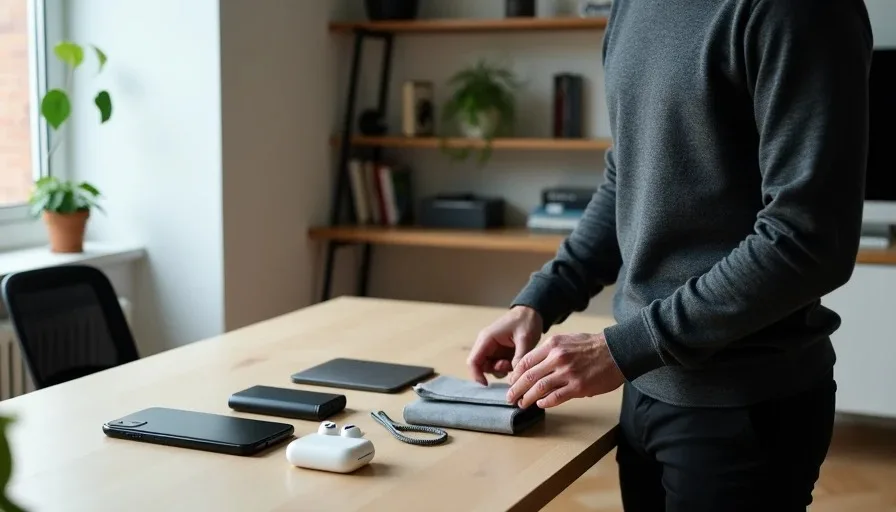
Last year, I finally did what I should have done years ago. I emptied the bag onto my desk and applied a few simple rules. The result is a leaner, lighter everyday carry tech setup that does everything I actually need and nothing more. This article is a walkthrough of what survived the cut and why.
The Junk I Carried Before
The problem was not that I carried bad products. It was that I carried too many products for the same job. Each one seemed reasonable in the moment, but together they added weight, clutter, and decision fatigue.
The "Just in Case" Trap
Most of my excess came from the phrase "just in case." A second power bank just in case the first one failed. A spare cable just in case someone needed one. A tablet just in case I wanted to watch something on a longer lunch. These items were not solving real problems. They were protecting me from imaginary scenarios that rarely happened.
The just-in-case mindset turns every purchase into a potential burden. It also makes it harder to find the things you actually need because they are buried under the things you might need someday.
The Redundancy Problem
At one point I carried three charging bricks with overlapping capabilities. Each one could charge my phone, but none of them was the obvious choice. I also carried wired earbuds and wireless earbuds, a phone and a tablet, and a small notebook and a note-taking app. Redundancy feels like preparedness, but it mostly adds weight and makes packing decisions harder.
The Rules I Used to Cut Down
I did not make a list of items to remove. I made a list of rules that would force the removal for me. That kept the process honest and prevented me from talking myself back into carrying something useless.
One Device Per Job
Each job gets one device. My phone handles calls, messages, navigation, photos, notes, and light reading. My earbuds handle all audio. My power bank handles backup battery. My charger handles charging. There is no second phone, no second pair of earbuds, no tablet for "maybe" moments.
If a device cannot do its job well enough for a normal day, I replace it with one that can. I do not add a second device to cover the gap.
If It Doesn't Fit in the Bag, It Doesn't Go
I use a small crossbody bag with limited space. The size restriction is intentional. If something does not fit without forcing the zipper, it stays home. This rule removed bulky chargers, oversized power banks, and the tablet that required its own case and keyboard.
A smaller bag is not a limitation. It is a filter. It keeps me from carrying things that are only marginally useful.
Charge Everything with One Cable Type
USB-C changed everything. My phone, earbuds, power bank, and even the small flashlight I use at night all charge over USB-C. I carry one short braided cable and one compact charger with two USB-C ports. I do not carry Lightning, micro-USB, or proprietary cables anymore. One cable type means fewer spare cables, fewer adapters, and fewer excuses to carry a tangled pouch.
What Actually Survived the Cut
The final setup is simple and repeatable. Every item has a clear job and gets used at least a few times a week.
Phone and Case
My phone is the center of the setup. The case is thin enough to keep the phone pocketable but grippy enough to prevent drops. I stopped buying cases for looks. The one I use now has a soft-touch finish and raised edges around the screen. That is all I need.
Earbuds
A pair of wireless earbuds with good fit, decent call quality, and a pocketable case. I use them for calls, podcasts, and music while commuting. I do not carry wired backups. The charging case holds enough battery for several days of my normal use, so I rarely think about earbud battery life.
Power Bank
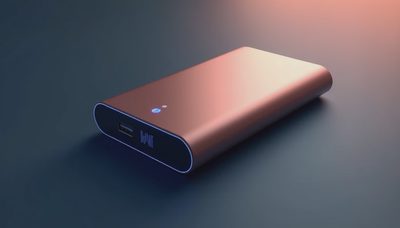
One compact power bank that can charge my phone once and my earbuds a few times. It is small enough to fit in the front pocket of the bag. I only carry it on long days or travel days. On a normal workday, the phone battery usually lasts, so the power bank stays on the desk at home.
Charger and Cable
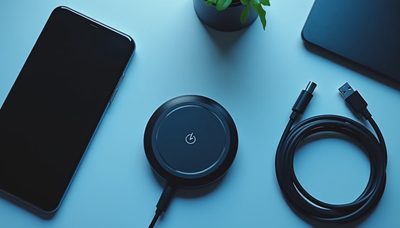
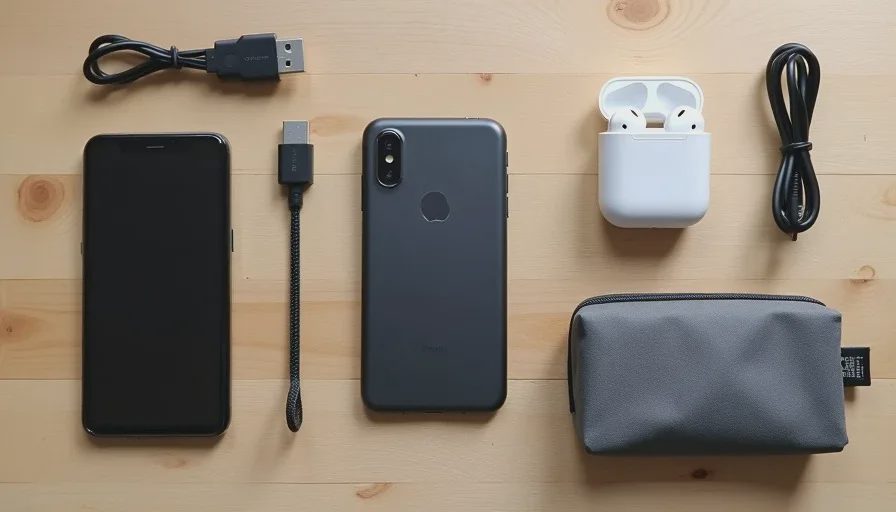
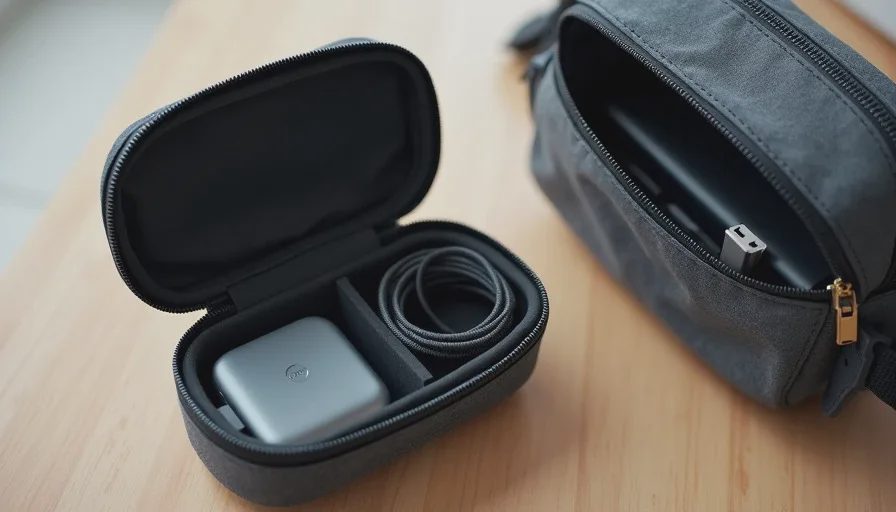
One 45W dual-port USB-C charger and one short braided USB-C cable. The charger lives in the bag and comes with me every day. It is small enough to forget, powerful enough to charge my phone and earbuds at the same time, and simple enough that I never have to think about ports or wattage.
Small Pouch for Small Items
A simple zip pouch holds the charger, cable, and power bank together. It keeps the bag organized and prevents the cable from tangling with everything else. The pouch is not an elaborate organizer. It is just a soft shell that gives the charging gear a home.
The Setup in a Normal Week
On a typical weekday, I grab the bag and go. The phone is in my pocket. The earbuds are either in my ears or in their case. The pouch with the charger, cable, and power bank sits in the bag. That is the entire setup.
When I get to a desk or a coffee shop, I can charge if I need to. When I walk, I have audio. When I take a call, I have earbuds that work. When I get home, the phone goes on the nightstand charger and the bag stays ready for the next day.
The setup is boring, and that is the point. A good everyday carry tech setup should not demand attention. It should just be there when you need it.
What I Learned From Cutting the Junk
Fewer Items, Fewer Decisions
Every item in your bag is a decision you have to make when you reach for something. Fewer items means fewer choices and faster access. I can find my earbuds without looking because there are only three things in the main compartment.
Weight Adds Up Faster Than You Think
A few extra accessories do not feel heavy on day one. But after a month of carrying them, the weight becomes part of your daily fatigue. Removing the tablet, spare cables, and backup charger made my bag noticeably lighter. My shoulder noticed the difference before my brain did.
The Best Gear Is the Gear You Forget
The gear that survives the cut is the gear you stop thinking about. It does its job, stays out of the way, and never forces you to adapt to it. If you are constantly adjusting, recharging, or reorganizing a device, it is probably not earning its spot.
Final Advice: Cut First, Then Optimize
If your bag feels heavy or your pockets feel full, do not start by buying smaller versions of everything. Start by removing anything that does not serve a daily job. Lay everything out on a table and ask three questions:
What actual problem does this solve?
When did I last use it?
Would I miss it if it were gone for a week?
If the answers are vague, put it in a box and leave it at home. You will either reach for it or you will not. The items you never reach for are the junk.
My everyday carry tech setup after cutting the junk is lighter, simpler, and more useful than it ever was with more gear. Buy for how you live, not for how it looks on the spec sheet—and carry only what earns the space.