Most people think a better home desk means spending more money on a bigger desk, a fancy chair, or a stack of new gadgets. But after years of testing desk setups and watching people overhaul their workspaces, I have learned that the most noticeable improvements usually cost less than $150. The key is fixing the small frictions you feel every day: tangled cables, a monitor that sits too low, poor lighting, and a keyboard position that makes your wrists tired by early afternoon.
The best home desk upgrades under $150 are not glamorous. They do not show up in social media posts or product launch events. They are quiet, practical changes that make the desk feel easier to use for hours at a time. This guide covers what actually helps and what to skip when you have a limited budget.
The Real Problems With Most Home Desks
Most home desks do not fail because they lack expensive equipment. They fail because the basics are slightly off. You might not notice a single problem, but the combination creates daily annoyance.
Cable Clutter Creeps in Slowly
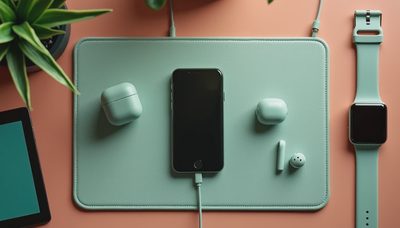
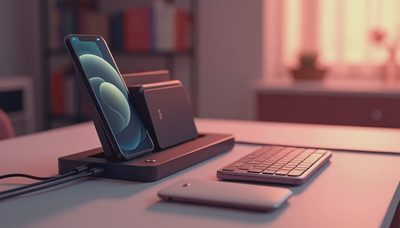
A few cables become ten. The charger for the phone, the cable for the tablet, the monitor cable, the keyboard cable, the webcam cable, the headphone cable. They tangle under the desk, collect dust, and make the whole workspace feel messier than it is. Clutter is not just visual. It adds low-level stress and makes cleaning harder.
Monitor Height Is Often Wrong
Many people place a laptop or monitor directly on the desk. That forces the neck to tilt down, which leads to stiffness by mid-afternoon. Raising the screen to roughly eye level is one of the cheapest and most effective desk changes you can make. It does not require a motorized desk or a new monitor arm.
Lighting Gets Ignored
Overhead room lighting is rarely ideal for desk work. It creates shadows, glare, and eye strain. A small desk lamp with adjustable brightness and color temperature can change how the whole desk feels, especially on overcast days or late at night.
Comfort Accessories Are Treated as Optional
A wrist rest, a desk mat, or a simple footrest might look like minor accessories, but they affect how your body feels after several hours. Small comfort items matter more than expensive keyboards or mice when the baseline setup is uncomfortable.
Where to Spend First When Your Budget Is Under $150
If I had $150 to improve a home desk, I would focus on four areas. Each one solves a real daily friction, and together they make the desk feel noticeably better without a major investment.
Cable Management That Actually Works
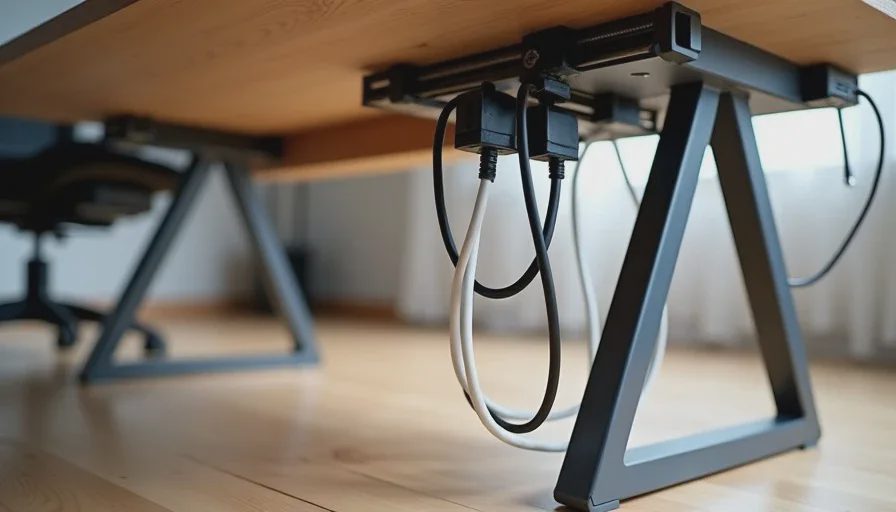
Cable management is the highest-impact, lowest-cost upgrade you can make. You do not need a complex system with dozens of clips and trays. A few adhesive cable clips, some Velcro ties, and a simple cable tray or sleeve can keep cords off the floor and out of sight.
The goal is not perfection. It is making the visible area under and behind the desk look calmer. Start by unplugging everything, grouping cables by destination, and using ties to bundle them. Then attach a few clips to the desk edge or underside to hold the bundles in place. The whole process might take an hour and cost under $30.
A Monitor Stand or Riser
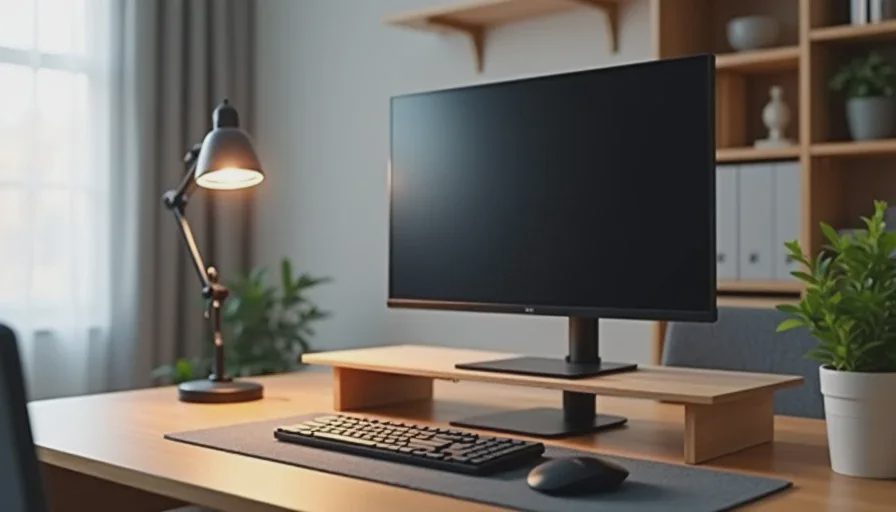
If you use a laptop or a single monitor, a simple riser can bring the screen closer to eye level. A wooden or metal stand that adds four to six inches of height is usually enough for most people. You can also use a stack of books temporarily, but a dedicated stand looks cleaner and provides space underneath for a keyboard or small accessories.
For laptops, a laptop stand paired with an external keyboard and mouse is a better long-term setup, but that can push past the $150 limit if you buy all three at once. Start with the stand, then add an external keyboard later if you need it.
A Desk Lamp With Adjustable Color Temperature
A good desk lamp does more than brighten the desk. It reduces shadows and lets you adjust the light to match the time of day. Warm light is easier on the eyes in the evening, while cooler light can help you stay alert in the morning.
Look for a small lamp with adjustable brightness and at least two or three color temperature options. You do not need a smart lamp with an app. A simple touch control or dial is enough. Position the lamp to the side rather than directly behind the screen to avoid glare.
A Wrist Rest and a Simple Desk Mat
A wrist rest helps keep your hands in a more neutral position while typing or using a mouse. It is a small addition, but it can reduce the strain that builds up after long sessions. Choose one that is not too thick—too much height can make things worse.
A desk mat serves two purposes. It protects the desk surface and provides a consistent, comfortable area for the mouse and keyboard. It also makes the desk look more put together. A basic felt or fabric mat costs far less than a designer leather version and works just as well.
A Simple $150 Home Desk Upgrade Plan
If I were starting from a cluttered, uncomfortable desk with $150 to spend, here is how I would allocate it:
Cable management kit: $20 to $30
Monitor or laptop riser: $25 to $40
Desk lamp with adjustable color temperature: $30 to $40
Desk mat: $15 to $25
Wrist rest: $10 to $15
That comes to roughly $100 to $150 depending on the specific products. The result is a desk that feels cleaner, more comfortable, and easier to use for hours at a time. No single item is exciting, but together they change the daily experience.
What Not to Buy Under $150
With a limited budget, it is just as important to avoid wasting money on things that do not help.
RGB Light Strips and Decorative Lighting
Colored light strips look fun in photos, but they do not improve the actual work experience. If you want better lighting, spend the money on a functional desk lamp. Light strips are the first thing people remove when they realize they add glare and distraction.
Complicated Desk Organizers With Too Many Compartments
A desk organizer with twenty small drawers might seem useful, but most people do not maintain that kind of system. The drawers fill with items that should have been thrown away, and the organizer becomes clutter itself. A simple tray for daily items and a drawer for everything else works better.
A Cheap New Chair
A decent chair usually costs well over $150. Spending under that on a new chair often means poor build quality and bad ergonomics. If your chair is uncomfortable, save money for a proper one later. In the meantime, a cushion or a footrest can help more than a cheap chair swap.
Wireless Everything
Wireless keyboards and mice are convenient, but they do not solve a desk problem on their own. If your current wired keyboard and mouse work fine, keep them. Spend the money on cable management and monitor height first. Those changes affect how the desk feels more than swapping input devices.
Small Changes Add Up Faster Than Big Purchases
A home desk is not a single product. It is a system of small interactions that happen every few minutes: reaching for the mouse, glancing at the screen, adjusting the lamp, pushing a cable out of the way. When those interactions are smooth, the desk feels good. When they are not, the desk feels wrong even if the equipment is expensive.
The under-$150 upgrades in this guide target those interactions. They do not require a new desk, a new computer, or a complete redesign. They just remove the small frictions that make a desk feel worse than it should.
Final Advice: Fix the Annoyance You Already Feel
Before buying anything, sit at your desk for a full workday and notice what bothers you. Is it the cables under your feet? The screen height? The glare from the window? The hard edge of the desk against your wrist? Write down the two or three things that annoy you most, then spend your $150 on those.
The best home desk upgrade under $150 is not a product someone else recommends. It is the fix that removes your most repeated annoyance. Start there, and the desk will start to feel like yours again.