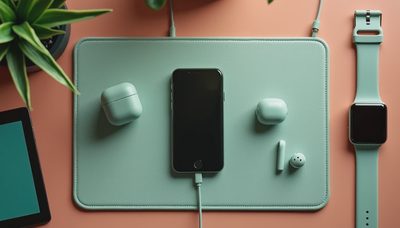
A desk wireless charger can remove one small but persistent annoyance: reaching behind your monitor or under your desk for a cable every time your phone needs power. The right model keeps your phone visible, topped up, and ready for a meeting without turning your workspace into a pile of cords. The wrong one is a warm plastic stand that charges slowly, slides around, or stops working when your phone case is slightly thick. Buy for how you live, not for how it looks on the spec sheet.
What a desk wireless charger actually improves
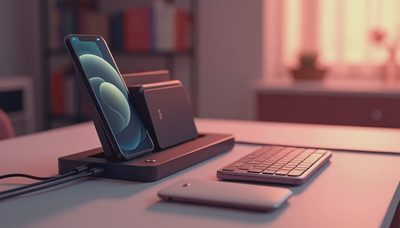
The biggest advantage is not maximum charging speed. It is friction. When your phone has a regular place to land, you are more likely to charge it during a video call, while answering email, or during a short break between tasks. A stand-style desk wireless charger also keeps the screen angled toward you, which is useful for checking a calendar, viewing a timer, or seeing whether a delivery notification arrived without picking up the phone.
For many people, 10-watt or 15-watt wireless charging is plenty for a workday. You are not trying to refill a dead phone in the parking lot. You are adding power gradually while the device sits on your desk. Apple MagSafe-compatible chargers can hold supported iPhones magnetically, while Qi2 models bring similar magnetic alignment to a wider range of newer phones. Older Qi phones can still work, but magnetic alignment requires the right case or phone hardware.
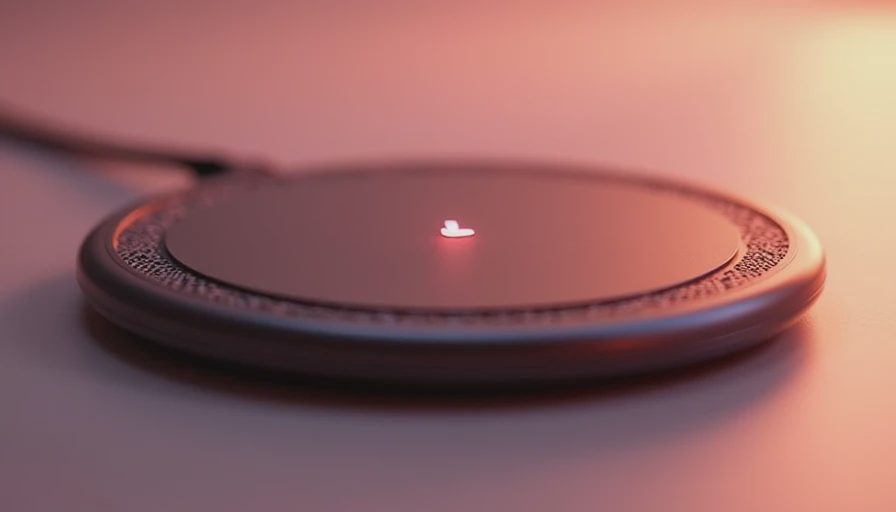
A pad is usually cheaper and takes less space than a stand. A stand is easier to use when you want to glance at the screen. A folding model can make more sense if your desk doubles as a travel packing station. The best choice depends on whether your priority is visibility, portability, or keeping the surface almost completely clear.
Features worth paying for
Look first at alignment and stability. A desk wireless charger should stay planted when you lift your phone away. A weighted base, rubber feet, and a hinge that does not flop around matter more than decorative lighting. If the charger shifts every time you grab your phone, the convenience disappears quickly.
Next, consider the power adapter. Some inexpensive chargers include only a USB cable, leaving you to find a compatible wall adapter. That is not automatically a bad deal, but the total cost can rise by $15 to $30 if you need a new adapter. For faster wireless charging, use the wattage and adapter recommended for your phone. A weak or mismatched power brick can reduce charging speed, even when the charging pad itself advertises a higher number.
Heat management is another practical detail. Wireless charging naturally creates more heat than a direct cable connection because energy transfers across a gap. A reputable charger should reduce power when the phone becomes too warm. Metal objects, cards, and thick cases can interfere with charging, so avoid dropping keys or a wallet directly on the charging area.
A desk wireless charger with a second charging surface can be useful for earbuds. Models such as the Belkin BoostCharge Pro 2-in-1, Anker MagGo options, and similar products from Nomad or Twelve South often target this cleaner setup. You pay more, commonly $60 to $150, but you replace two separate charging spots with one organized station.
Stand, pad, or multi-device station?
Choose a stand if your phone is part of your work routine. It keeps the display visible for a Slack message, Microsoft Teams call, stopwatch, or two-factor authentication prompt. It also makes Face ID easier on supported iPhones because you can look at the screen without lifting the device. A stand is less convenient if you regularly use a large case, because the magnetic connection or charging coil may not line up well.
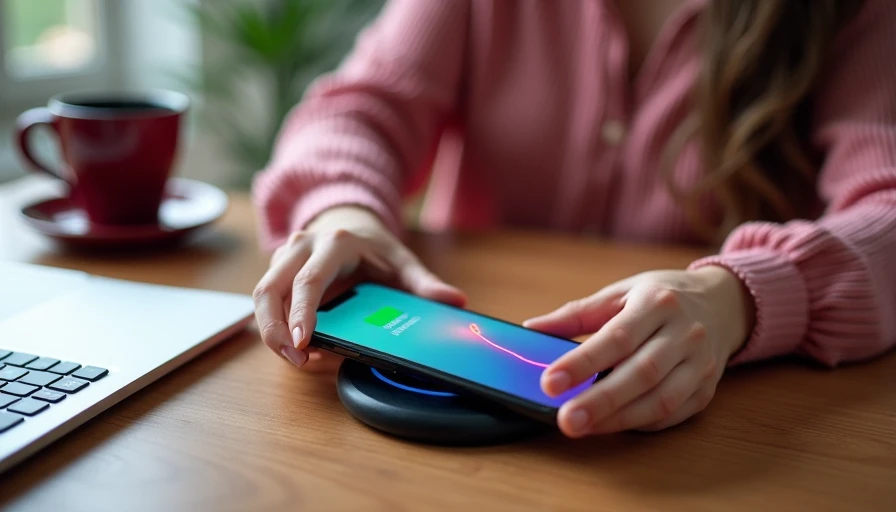
Choose a pad if you want the simplest and least expensive setup. A basic Anker, Belkin, or Samsung pad can often cost around $15 to $40. Put it beside your keyboard and you can drop the phone onto it without thinking. The tradeoff is that you cannot see the screen clearly, and the phone may slide if the surface is smooth.
Choose a multi-device station when you charge a phone and earbuds every day, or when you share a desk with someone who constantly borrows your cable. A three-in-one station may include an Apple Watch charging puck, but compatibility deserves close attention. Some models require you to supply your own watch charger, while others include a built-in module. Read the box contents before assuming the station is a complete solution.
Common mistakes that make chargers frustrating
The most common mistake is buying based only on the largest wattage number. A 20-watt wireless charger does not guarantee that every phone will accept 20 watts wirelessly. Charging limits are controlled by the phone, the charging standard, the adapter, and temperature. If your handset supports only a lower rate, the extra number on the package will not transform your workday.
Another mistake is ignoring the case. A thin silicone case usually presents no problem, but thick rugged cases, wallets, metal rings, and card holders can block the charging connection. Magnetic cases also differ in strength. If your phone repeatedly starts and stops charging, remove the case before blaming the charger.
Cable placement matters too. A charger with a permanently attached short cable may look tidy on a retail shelf but be awkward when your outlet sits behind a monitor. Measure the distance from the charger to the wall adapter. A six-foot USB-C cable can be worth more than a glowing base or a second charging mode you will never use.
Who should buy one?
A desk wireless charger makes sense for a hybrid worker, a student, or anyone who spends several hours near a computer. It is especially helpful for people who dislike wearing out a phone port or who frequently forget to charge overnight. It can also improve a shared home office because everyone knows where the phone goes when work begins.
It is less compelling if your phone already stays connected to a cable all day, if you need the fastest possible recharge, or if your desk is so crowded that another accessory becomes clutter. Direct USB-C charging remains faster and more dependable for a quick emergency refill. If your routine never stresses the convenience feature, do not pay for an elaborate station.
For a straightforward setup, I would start with a stable single-device stand between $25 and $60, then add a compatible wall adapter if needed. Move to a two-in-one model when earbuds regularly need power. Consider a premium MagSafe or Qi2 station only when magnetic alignment, screen visibility, or multi-device organization will genuinely save time.
A simple buying checklist
Before ordering, confirm your phone supports the advertised charging standard. Check whether your case has magnets, whether the power adapter is included, and whether the cable reaches your outlet. Look for overheat protection, foreign-object detection, and a non-slip base. If you use an iPhone, verify whether the product is officially MagSafe or simply magnetic Qi2-compatible; those labels can affect charging speed and alignment.
Also check the return policy. Wireless charging performance can change with a case, a phone grip, or the exact position of your desk outlet. A product that works perfectly with a bare phone may be annoying with the case you actually use. The best desk wireless charger is the one that works every morning without adjustment, not the one with the most impressive package.
If you are comparing options today, start with your routine rather than your budget. A $30 stand may solve the problem completely, while a $120 station may simply add another object to dust. Pick the desk wireless charger that keeps your devices powered, visible, and easy to grab, then spend the leftover money on a better cable or a comfortable keyboard.