A wireless charging adapter can give an older phone, desk, or travel setup a cleaner way to recharge without replacing everything you already own. The important question is not whether wireless charging looks convenient in a product photo. It is whether the adapter fits your phone, case, charger, and daily routine without creating another annoying accessory.
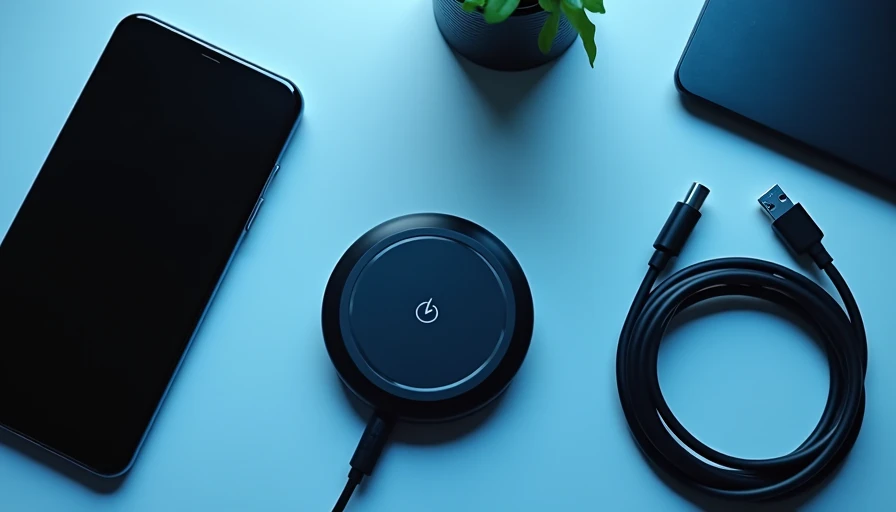
If you have a phone that supports wireless charging, you may only need a charging pad or stand. If your phone does not support it, a wireless charging adapter can add that capability through a thin receiver, case, or plug-in module. Here is how to tell which type makes sense before spending $10 to $50 on another piece of tech.
What a wireless charging adapter actually does
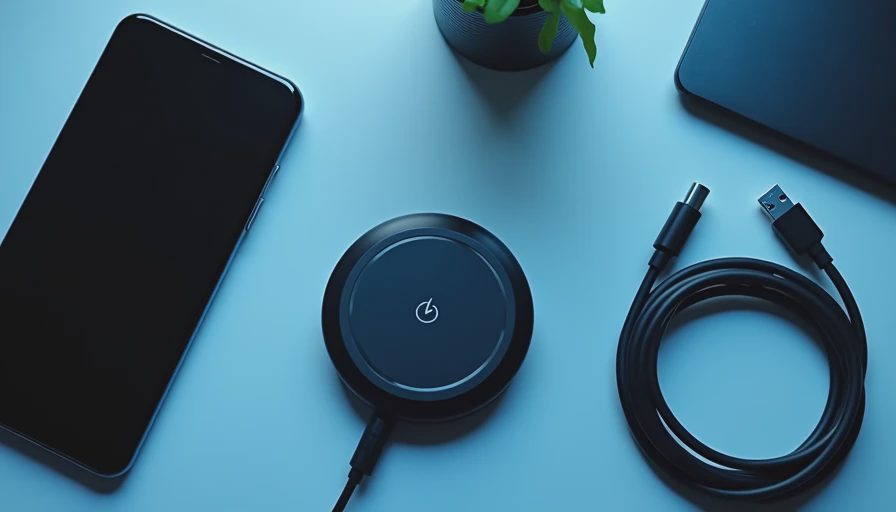
The phrase covers several different products. A receiver pad is a thin coil that connects to your phone’s charging port, usually USB-C or Lightning, and sits against the back of the device. A charging case has that receiver built into a protective case. Some adapters are designed for cars, adding wireless charging to a dashboard mount or vent holder, while others are meant to turn a regular desk charger into a more convenient setup.
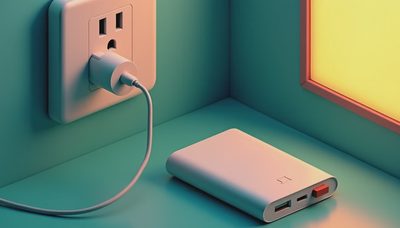
The adapter receives power from a compatible charging surface and transfers it to the phone through the coil or charging port. It does not create power by itself. You still need a wall charger, power bank, car USB port, or charging pad that supplies the electricity.
That distinction matters because many inexpensive listings make the adapter sound like a complete charging system. It is not. A $15 receiver paired with an old 5-watt brick can work, but it will not deliver the same result as a modern charging pad with an appropriate USB-C power adapter.
Compatibility comes before charging speed
Start with the phone model, charging port, and case. An iPhone 8 or newer generally supports Qi wireless charging, while many recent Samsung Galaxy and Google Pixel phones support Qi as well. Exact charging behavior varies by model and accessory, so the product listing should name your phone rather than simply say “works with all devices.”
Port fit is especially important. A Lightning receiver designed for an older iPhone will not fit a USB-C phone. A USB-C receiver may also sit differently depending on whether the port is centered, recessed, or partly blocked by a rugged case.
Case thickness can cause another problem. A slim silicone or TPU case usually works more reliably than a wallet case, metal plate, thick folio, or case with a large kickstand. Magnetic rings and car-mount plates can also interfere with the charging coil. If you need a rugged case, look for an adapter and case combination tested for that level of thickness instead of assuming every setup will align.
Speed claims need a reality check
Charging speed is where product pages become confusing. Qi-compatible accessories often advertise numbers such as 5W, 7.5W, 10W, or 15W. Your phone, receiver, charging pad, and power supply all have to support the requested rate. The slowest part of that chain usually determines the actual result.
For overnight charging, a basic 5W setup is often perfectly adequate. A phone placed on a nightstand for seven hours does not need a race-winning charge rate. For a desk where you want to recover 30 percent during a lunch break, a faster certified setup is more useful.
An adapter can also run warm, especially when the coils are slightly misaligned. Heat does not automatically mean the product is defective, but repeated warmth, interrupted charging, or a phone that gains very little battery after an hour suggests poor alignment or an underpowered setup. A sturdy adapter with a short, flexible connection is usually more useful than a cheaper model with impressive numbers and a stiff plug.
Choosing the right type for your routine
A receiver pad is best for occasional use, travel, or testing wireless charging without committing to a new case. It is inexpensive and easy to move between devices, but the plug remains attached while charging. That can be inconvenient when you need to pick up the phone for navigation or a quick message.
A charging case is cleaner for everyday use. It protects the phone and keeps the receiver in the correct position, but it costs more and may need replacement when you upgrade phones. This option makes sense for someone who charges at a desk, bedside table, and office throughout the day.
A car-focused wireless charging adapter is useful when you regularly use Apple Maps, Google Maps, or music while driving. Look for a secure mount, a cable with enough length to reach the power port, and a clamp that does not block your phone’s buttons. Wireless charging in a car is convenient, but sunlight, navigation, and high screen brightness can create enough heat that charging becomes slower.
What to check before buying
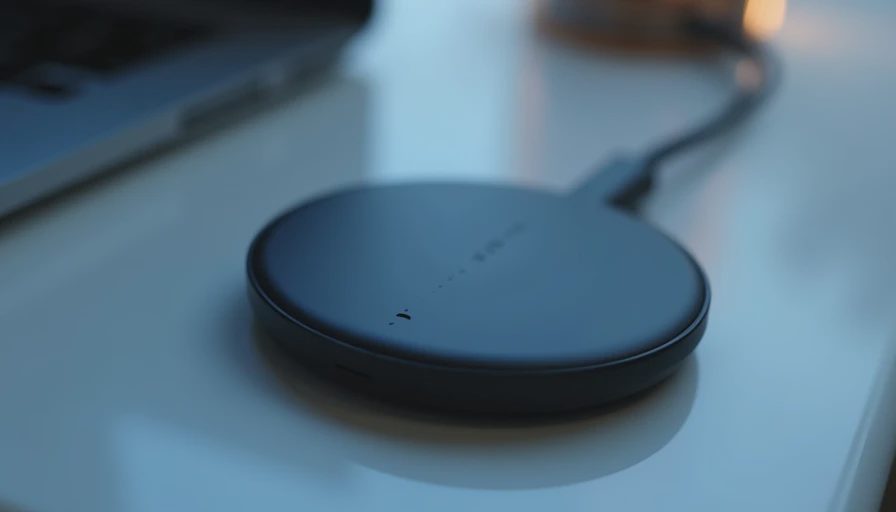
Read the product page in this order. First, confirm your exact phone model and charging port. Second, check whether your case must be removed. Third, identify the required power input. A pad that expects USB-C power may include no wall adapter, leaving you to reuse one from a laptop, tablet, or newer phone.
Next, look for basic safety features such as over-current, over-voltage, foreign-object detection, and temperature control. These features do not make a low-cost accessory premium, but their absence is a reason to skip a suspicious listing. Established brands such as Anker, Belkin, Spigen, and ESR typically provide clearer compatibility information than anonymous marketplace brands, though the specific model still matters.
Pay attention to return terms, too. Wireless accessories can appear compatible until you place them inside a thick case or connect them to a particular charger. A simple return window is valuable because real alignment is easier to judge on your desk than in a product description.
Common setup mistakes and easy fixes
The most common mistake is placing the phone slightly off-center. Wireless charging depends on the transmitter and receiver coils lining up, so a few millimeters can make the difference between steady charging and repeated connect-disconnect sounds. On a stand, adjust the cradle rather than pressing the phone harder against it.
Another mistake is stacking accessories. A receiver pad, magnetic plate, thick case, and metal ring may all fit physically while blocking the charging field. Remove one layer at a time to find the cause. If charging stops when the phone reaches a certain temperature, move the setup away from direct sunlight and use a power source that meets the adapter’s requirements.
Do not judge the product only by the first five minutes. Test it during a normal work session, overnight, or a real commute. That reveals whether the connection stays stable and whether the cable or receiver gets in your way.
Is a wireless charging adapter worth buying?
A wireless charging adapter is worth considering when cable access is awkward, you use several charging locations, or you want a simpler bedside or desk routine. It is less compelling if your phone already has a convenient USB-C port and you need the fastest possible charging every time.
For most people, the smart purchase is a compatible, modestly priced adapter paired with a reliable charging pad and power brick. You do not need a $100 ecosystem to remove cable clutter. Buy for how you live, not for how it looks on the spec sheet. If a wireless charging adapter saves you from hunting for a cable at your desk every afternoon, that practical improvement is the feature that matters.